Clips that look
edited by hand

Hours of video in. Finished clips out. Clipworks finds the moments people stop scrolling for, then cuts, captions and styles each one the way a good editor would for that kind of clip. No timeline. No template look. You just pick your favourites.

Make your first clips free
  • 30 minutes free, every month
  • No card needed
  • Nothing posts without you
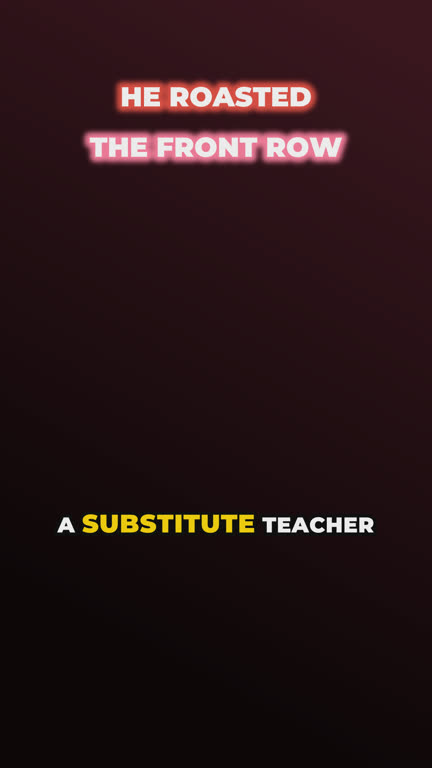
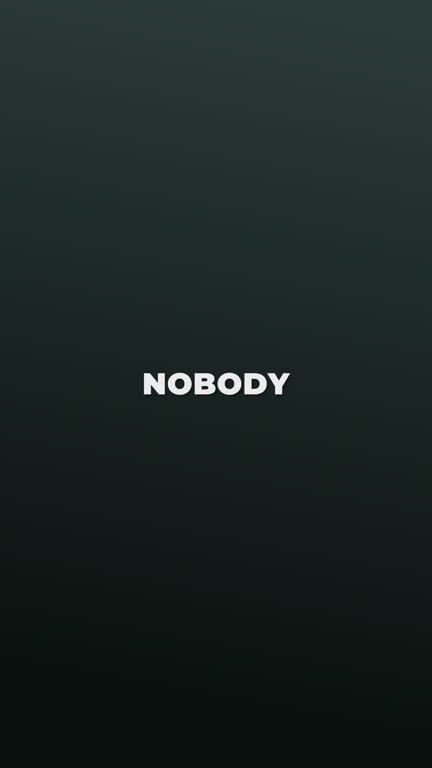
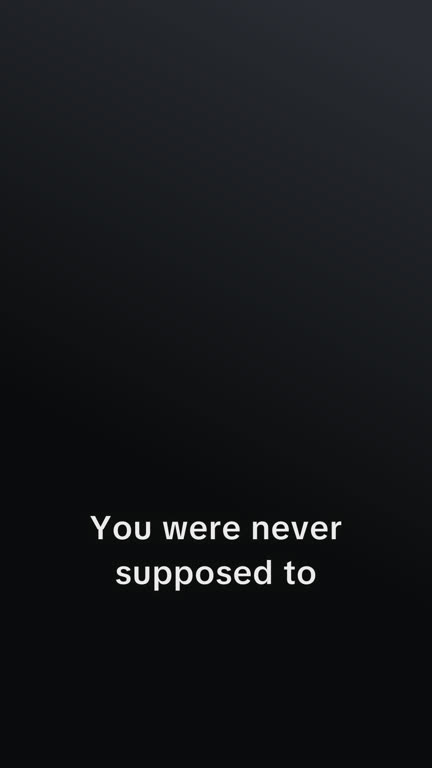
  • Story told in text Nothing is said, so the story is written on, shot by shot, with a wash of colour as it turns

  • Podcast Split screen, then in on whoever's talking

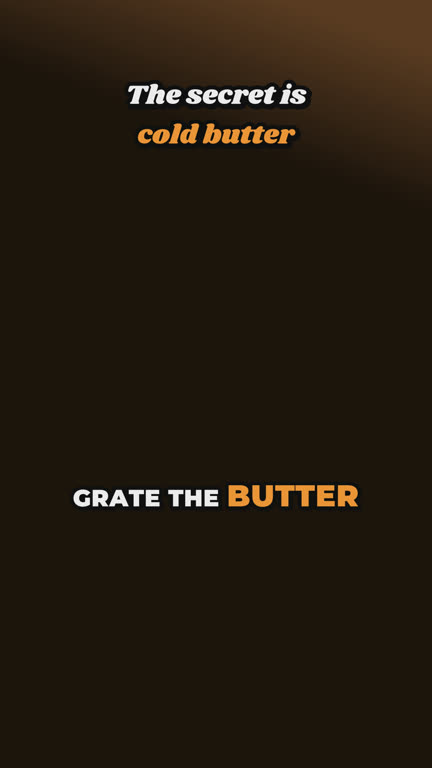
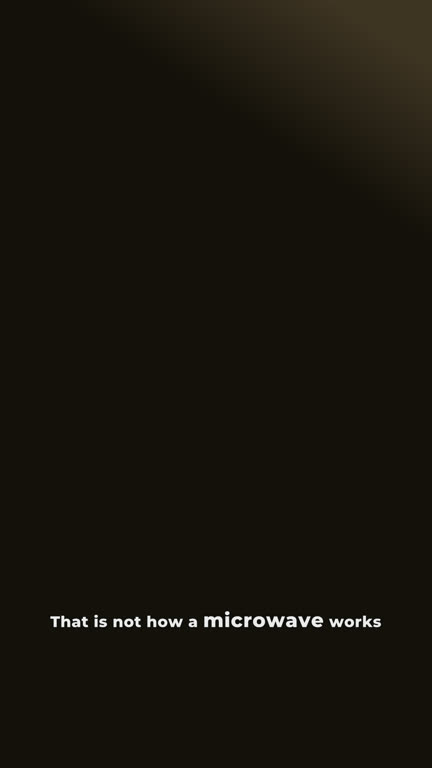
  • Food Its own heading, key words in orange

Examples made from free stock footage. The framing, headings and captions are Clipworks' own.

A podcast isn't a gaming stream.
So we don't edit them the same.

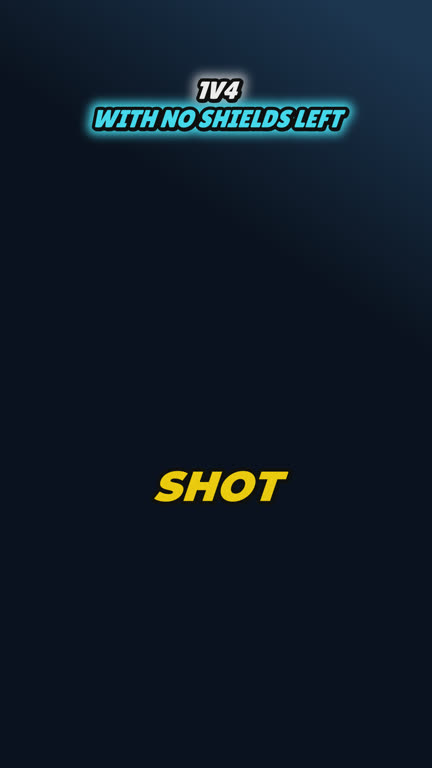
  • Podcast: a frame in the podcast lookPodcast
  • Gaming: a frame in the gaming lookGaming
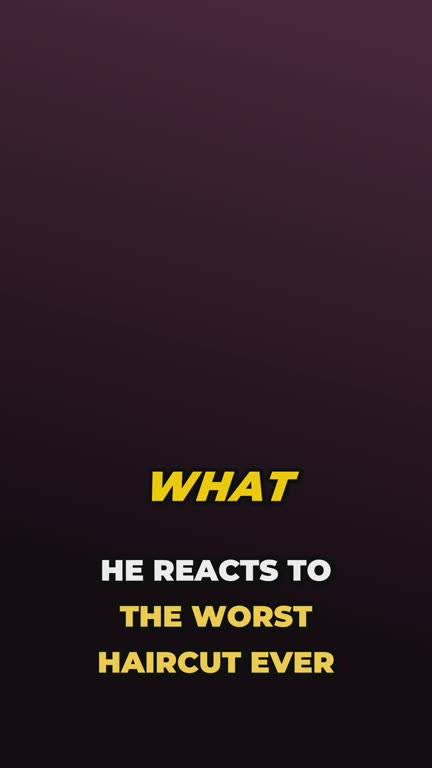
  • Reaction: a frame in the reaction lookReaction
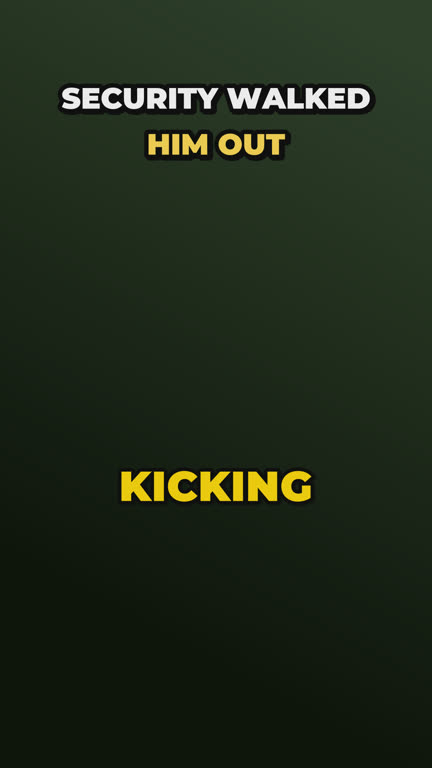
  • IRL stream: a frame in the irl stream lookIRL stream
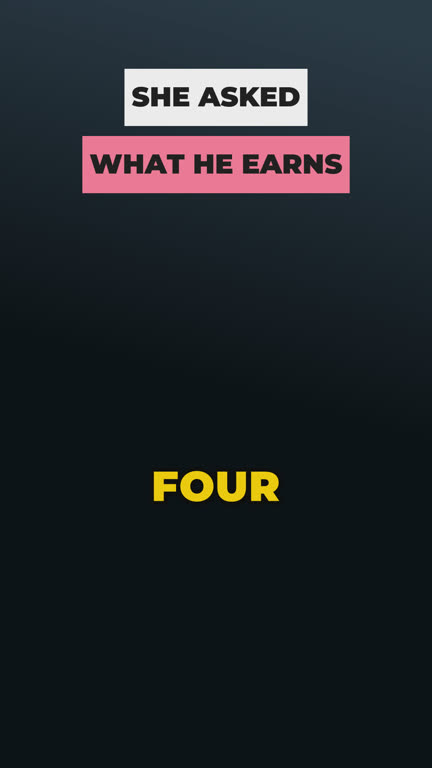
  • Conversation: a frame in the conversation lookConversation
  • Food: a frame in the food lookFood
  • Food: a frame in the food lookFood
  • Stand-up: a frame in the stand-up lookStand-up
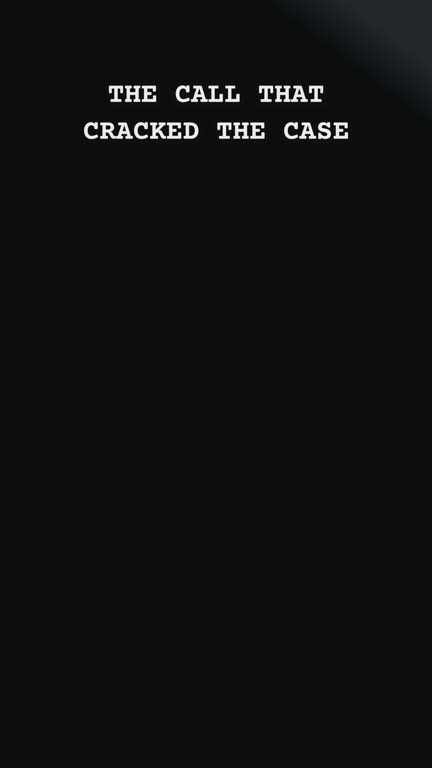
  • True crime: a frame in the true crime lookTrue crime
  • Motivation: a frame in the motivation lookMotivation
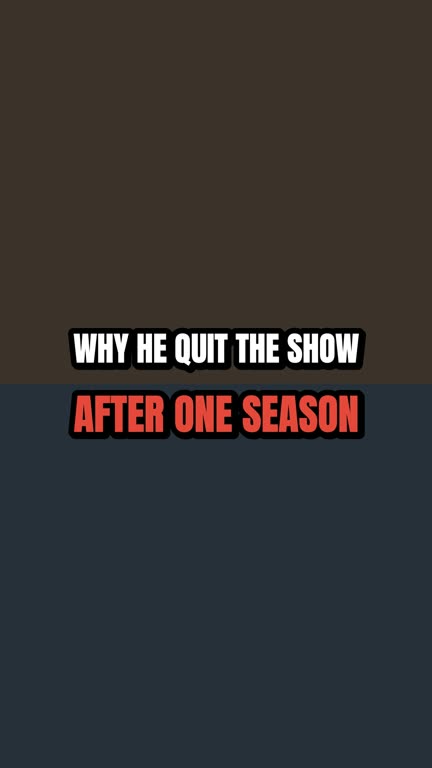
  • Movie & TV: a frame in the movie & tv lookMovie & TV
  • Comedy: a frame in the comedy lookComedy

Each card is a real frame from Clipworks, in that genre's own look. Sample words, no footage.

We studied a huge library of top-performing short clips, frame by frame, to learn what the good ones do. Clipworks edits yours the same way.

  • Clips that end when the thought does

    No more clips that stop halfway through a sentence. Every cut lands on a full stop, with the setup it needs before it.

  • Fix a caption once, not ten times

    When a name comes out wrong, correct it in one clip and it's fixed in every clip from that video.

  • A score that explains itself

    Each clip is scored on five things, with the reason for every one. Disagree? Change the clip and watch the score change.

From upload to finished clip

  1. 1Drop in a video
  2. 2It finds the moments
  3. 3It edits each one
  4. 4You decide
  5. 5It learns

Step 1

Drop in your video

Upload a file, or paste a link from Drive or Dropbox. Before anything is touched, the video gets a rights status, so you know where you stand from the start.

  • AllowedLicensed campaign · Creative Commons · Permission on file
  • Needs your confirmationStated policy · Unknown
  • Blocked, no overrideRed flag

Step 2

It finds the parts worth clipping

Clipworks goes through the whole video so you don't have to. It picks the moments that stand up on their own: a line that hooks, the setup it needs, and an ending that lands.

Each one is scored out of 10 on five things: hook, sense on its own, payoff, energy and fit, with the reason for every one. No mystery numbers.

On a long stream it looks for the hot spots first: the loud moments, the times viewers called out in the comments, and any you point it to.

The score judges the clip. It doesn't predict views.

A 72-minute podcast episode, three moments picked

123
0:00:000:36:041:12:08
7.4

The call that changed the plan

Hook
9Opens on the phone call itself.
Stands alone
8Makes sense without the episode.
Payoff ▼ weakest
4Ends before the decision is explained.
Energy
8Fast, animated back-and-forth.
Fit
8Typical podcast storytelling.

Step 3

Then it edits like an editor would

It works out what kind of video it's looking at, or you tell it, and edits to match. What comes back is a finished clip, not a rough cut for you to rescue.

  • Cuts on whole sentences
  • Captions timed to every word
  • A headline in the genre's own look
  • Split screen when two people talk
  • B-roll that matches what's said
  • Sound effects only where they land
  • Ums and dead air gone
  • Checked before you ever see it

Step 4

You get the last word

Every clip opens in the advanced editor, with nothing locked.

  • Move where the clip starts and ends
  • Fix a word once, for every clip from that video
  • Restyle the captions: font, colours, the whole look
  • Rewrite the headline, or take it off
  • Change the framing, or split the screen
  • Swap the b-roll, the effects and the sound

Change anything you like, or leave it exactly as it is.

A clip in the advanced editor

A made-up clip. Every track is yours to change.

Step 5

It learns how you like your clips

Every clip you keep, skip or change teaches it something. Keep the ones with a strong hook and skip the slow starters, and it starts scoring the way you do. Keep cutting the teaser off, and it stops adding one. Rewrite a few headlines, and it writes the next ones your way.

It learns separately for each kind of video, so what you like in a podcast doesn't change your gaming clips.

Nothing changes on a hunch. It waits until it has seen the same thing enough times, tells you what it changed and why, and you can undo any of it on your Account page.

What it noticed, and what it changed

You removed the teaser from 3 of your last 5 edited clips
Clips no longer open with a teaser
The clips you keep score higher for their hook than the ones you skip
Hook counts more in your scores
You changed 3 of your last 5 gaming clips to split screen
Gaming clips start as split screen
You rewrote a few hook headlines your own way
New headlines are written in your style

Made-up examples of the notes you'll see.

Clipping for a campaign?
Paste the brief. The rules are handled.

Campaign rules are where good clips get rejected: a missing hashtag, the wrong watermark, a clip two seconds too long. Clipworks takes that off your plate.

Paste the campaign's page and it reads the brief into a checklist for you to confirm. From then on, every clip you make for that campaign follows it without you lifting a finger:

  • Cut to the length the campaign allows
  • Their watermark on every clip, where it can be seen
  • The text they want on screen, and the Kick bar for Kick campaigns
  • Their hashtags, tags, disclosure and credit, already in each clip's caption
  • No added music or other logos when the campaign bans them

Each clip is checked against the list before you see it. Rules only you can follow, like where to post and by when, are kept as reminders.

Not sure a campaign is worth your hours? The campaign check weighs up the pay, the creator and the competition, and gives you a straight answer.

You post and submit yourself. What a campaign pays is up to the campaign.

Read from the campaign's page

Clip length
20 to 45 seconds
Watermark
Theirs, on every clip
Text on screen
@thecreator
Caption starts with
#ad
Hashtags and tags
#thebrand @thebrand
Credit
Their exact wording
Added music
None
Other logos
None

A made-up campaign, as an example. Every line is applied to each clip for you.
Simple pricing, by the minute

You pay for the length of video you put in. Two clips or twenty, it costs the same.

Long streams use far fewer minutes

Turn on stream mode and Clipworks finds a stream's hot spots first, then only counts the minutes it actually works on: about a fifth of the stream, and never more than an hour, plus any moments you point it to.

A 4-hour stream uses about 48 minutes, not 240.

  • Free

    $0/month

    30 minutes a month

    Try the whole Clip Line on a short video each month.

    Start free
  • Creator

    $19/month

    300 minutes a month

    About five hours of video a month.

    Choose Creator
  • Pro

    $49/month

    1,000 minutes a month

    About sixteen hours of video a month, with bigger uploads and batches.

    Choose Pro
Full pricing

Fair questions

Does it post for me?

Not yet. You download your clips and post them yourself, so nothing ever goes out without you seeing it. Scheduling is on the way.

Will a high score get me more views?

We can't promise that, and nobody honestly can. The score tells you how strong the clip is: its hook, whether it makes sense on its own, its payoff, energy and fit. It's a judgement of the clip, not a prediction.

Am I allowed to clip any video?

No, and we won't pretend otherwise. Every video gets a rights status before anything is processed. Some are allowed, some need you to confirm you have permission and take responsibility, and red flags are blocked. A channel can still get a claim or a strike.

How do I add a video?

Upload the file, or paste a link from Google Drive, Dropbox, OneDrive or a direct video link. A YouTube link is only used to read a video's licence and channel details for its rights status.

What isn't it good at?

It works from what's said and shown, so now and then it picks a clip that leans on a joke from earlier. Busy screen recordings and very fast gameplay sometimes need their framing nudged by hand. And it doesn't post for you yet.

How are minutes counted?

By the length of the video you put in, however many clips come out. Long streams cost less: in stream mode only the parts Clipworks actually works on are counted, about a fifth of the stream and never more than an hour, plus any moments you point it to. If a video leaves you with no usable clips, you get the minutes back. Unused minutes don't roll over.

Got a long video?
See what's in it

Your first 30 minutes are free, every month. No card, no catch.

Make your first clips free